.svg)
Making Large-Scale fNIRS Hyperscanning Manageable: Inside the Brite Connect Ultra Design
Measuring 30 participants used to mean 30 devices and 15 laptops scattered across a lab. Artinis explains how they redesigned the workflow so one hub monitors 30 Brite devices, 810 channels, without swamping the research team.

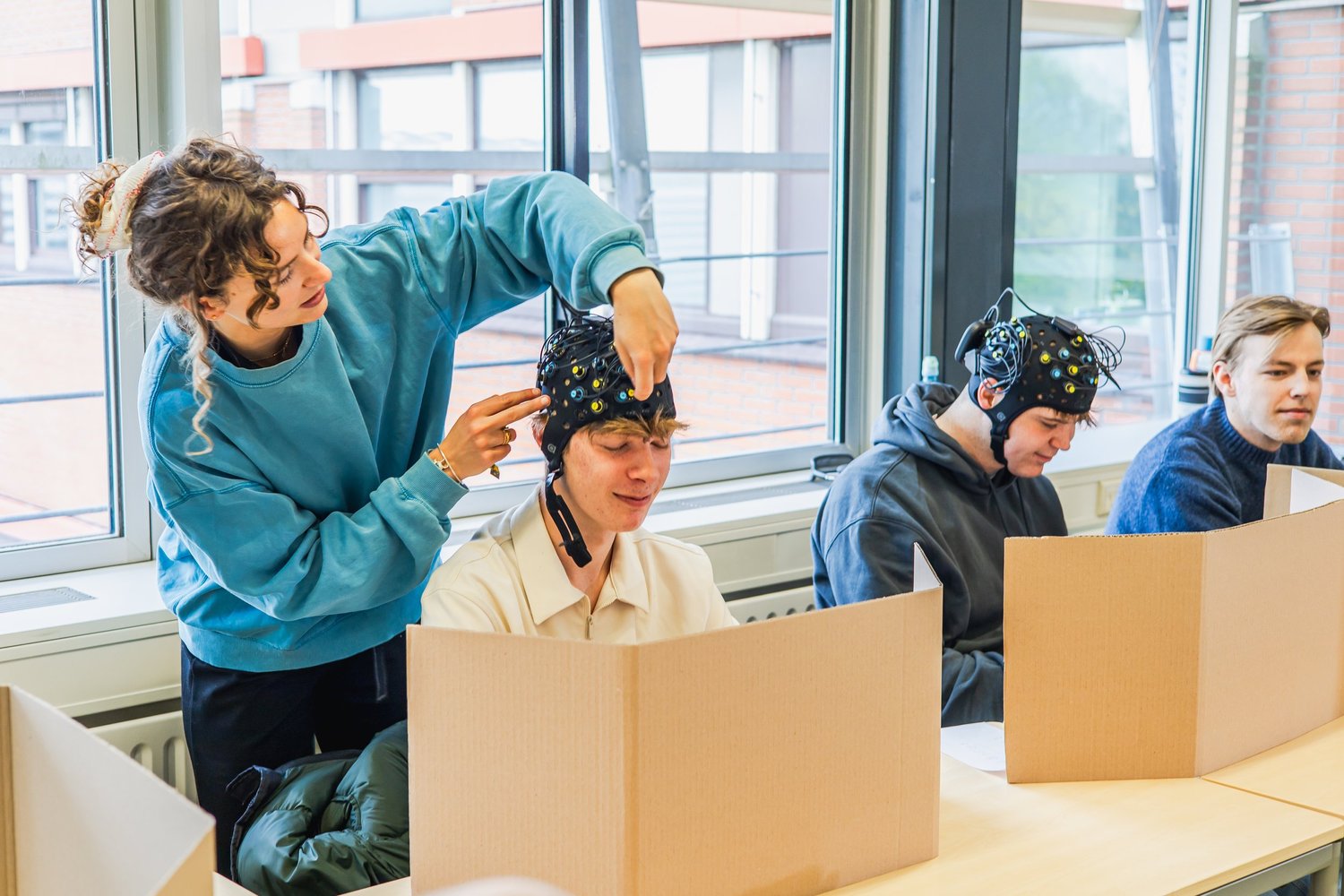
Hyperscanning, recording brain activity from several people at once, has been possible with wearable fNIRS for some time. Scaling it up is where things got difficult. Measuring 30 participants meant running 30 devices and therefore 15 laptops. Teams have done it, but monitoring that many screens and data streams scattered around a lab is not just a logistics problem: it raises cognitive load, slows everything down and adds avoidable complexity to already demanding experiments.
A recent post on the Artinis blog walks through how the team approached the redesign behind Brite Connect Ultra, and it is an unusually candid look at the design thinking behind a research instrument.
The scale problem, stated plainly
The goal was a single software environment that could connect and monitor up to 30 Brite devices and their data streams from one hub. Each Brite measures up to 27 channels, which means the operator is nominally responsible for 810 live graphs. Artinis framed the challenge as three distinct problems:
- Scale - how do you visualise 30 devices at 27 channels each without swamping the user?
- Complexity - how do you turn dense technical signal data into something glanceable and actionable?
- Collaboration - how do you support a team working the same experiment without creating control conflicts?

Designing for glanceability rather than control
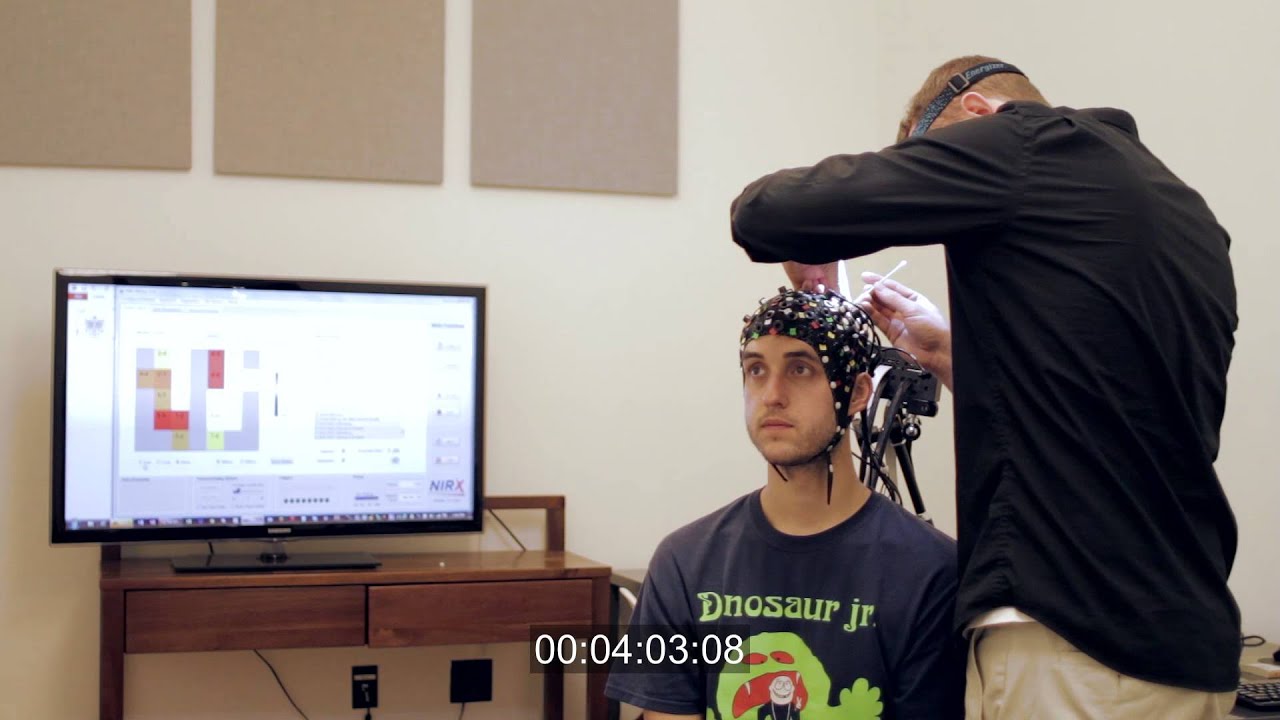
Rather than building a conventional control panel crowded with data and buttons, the team structured the system around how researchers actually think during a live experiment. The dashboard represents each subject with clear visual indicators so the researcher can instantly see subject status, monitor signal quality, spot connection issues and detect outliers in real time.
Strong visual hierarchy and consistent status cues reduce the need to keep scanning detailed data. The interface surfaces what matters most at that moment instead of forcing interpretation of dense signal traces across multiple screens.
Roles, not just permissions
Large hyperscanning studies are rarely run by one person - there is usually a coordinator plus several assistants. Artinis introduced a role-based interface structure: a coordinator view with full system oversight, global monitoring and high-level control, and an assistant view with focused controls for individual participants or subsets of devices.
Separating responsibilities inside the interface reduces the risk of accidental errors, cuts clutter for each role and improves team efficiency during a live session. Each person sees only what they need.
Catching problems before they cost you the session
Because large-scale hyperscanning demands careful preparation, the interface was built to give clear feedback during setup - real-time status indicators, immediate visual alerts, a structured layout for fast scanning and consistent interaction patterns throughout. The intent is that connection and signal quality problems get identified and resolved before they compromise the recording.
Why this matters beyond one product
The broader argument in the article is worth taking seriously for anyone specifying research equipment: in study designs with many participants, the user interface has to support decision-making rather than slow it down. Good UX in research technology is not decoration - it is what determines whether a technically feasible experiment is also practically runnable.
For researchers, the net effect is the ability to monitor up to 30 device statuses and data streams from a single screen, collaborate within defined roles, and maintain oversight without information overload - running experiments that were previously very hard to manage.
NBT represents Artinis in Israel across the full Brite, OctaMon, OxyMon, PortaLite and PortaMon range. Contact us to talk through a hyperscanning setup for your lab.
Source: Artinis blog.

NEED MORE INFORMATION ABOUT THIS PRODUCT?
Send us your emailRecent Blog Posts

.svg)

Advance Your Research
Contact NBT today for expert consultation on your neuroscience instrumentation needs.